

Install ticketprix app
Opens instantly, works like an app, and keeps your tickets one tap away. Pick your device.
Adds a ticketprix icon and opens full screen with no browser bars.
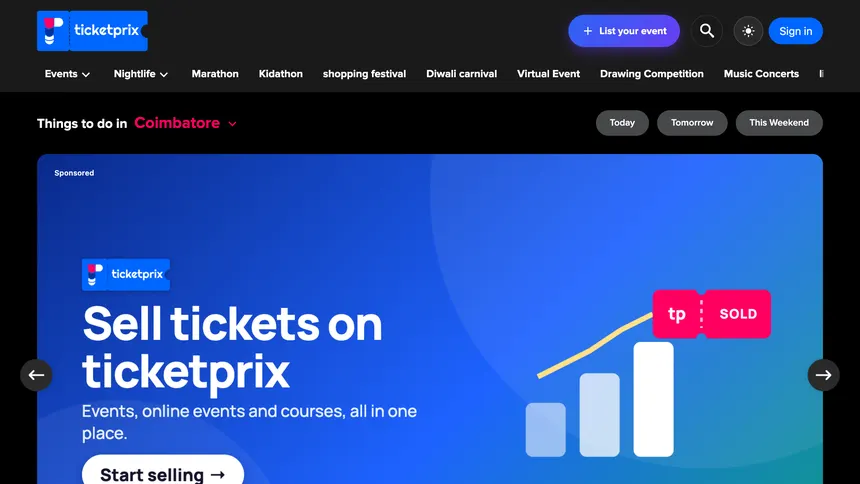
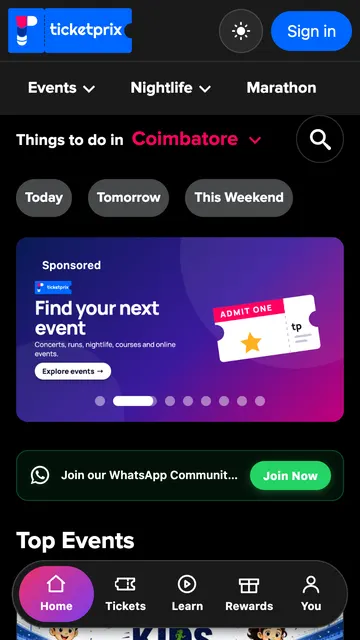
What you'll see
One tap starts the install. On iPhone it opens the steps for Safari.
This is your browser's own box. Tap Install.
ticketprix now sits with your other apps.
Full screen, no browser bars. Come back here any time and this page shows Open app.
Why install
Opens instantly
One tap from your icon, full screen, no browser bars.
Light on your storage
We keep ticketprix lite on purpose, so it never takes up much room.
No app store needed
Install straight from your browser, and remove it like any other app.
How to install on your device
Android Phones & Tablets
- 1Tap the Android button above in Chrome.
- 2Tap Install in the box your browser shows.
- 3Open ticketprix from its new icon.
iPhone & iPad
- 1Open this page in Safari and tap the Share button.
- 2Scroll and choose Add to Home Screen.
- 3Tap Add. ticketprix is now installed.
Mac
- 1Chrome or Edge: click the Mac button, then Install.
- 2Safari: choose File, then Add to Dock.
- 3Open ticketprix from your Dock or Launchpad.
Windows
- 1In Chrome or Edge, click the Windows button above.
- 2Click Install in the box your browser shows.
- 3Open ticketprix from the Start menu or your taskbar.
Good to know
Is it free?
Yes. Installing ticketprix costs nothing.
Can I remove it?
Yes, like any other app on your device. Your tickets stay in your account.
Is it the same ticketprix?
Yes. Same events, same account, same tickets, opened full screen from an icon.